
Appearance
Email Documents overview
Files that arrive by email are ingested automatically — no manual upload needed. Every connected mailbox is polled, and each message with attachments becomes one row in the list.
The list
Click Email Documents in the left menu. The list shows one row per email, with sender, subject, file count, status, and received date. When several mailboxes are connected, the view defaults to All mailboxes and a filter lets you focus on one mailbox (see Mailbox provenance).
Click the file count button (for example 4 files) to expand the row and see every attachment, each with its own status and Review link.
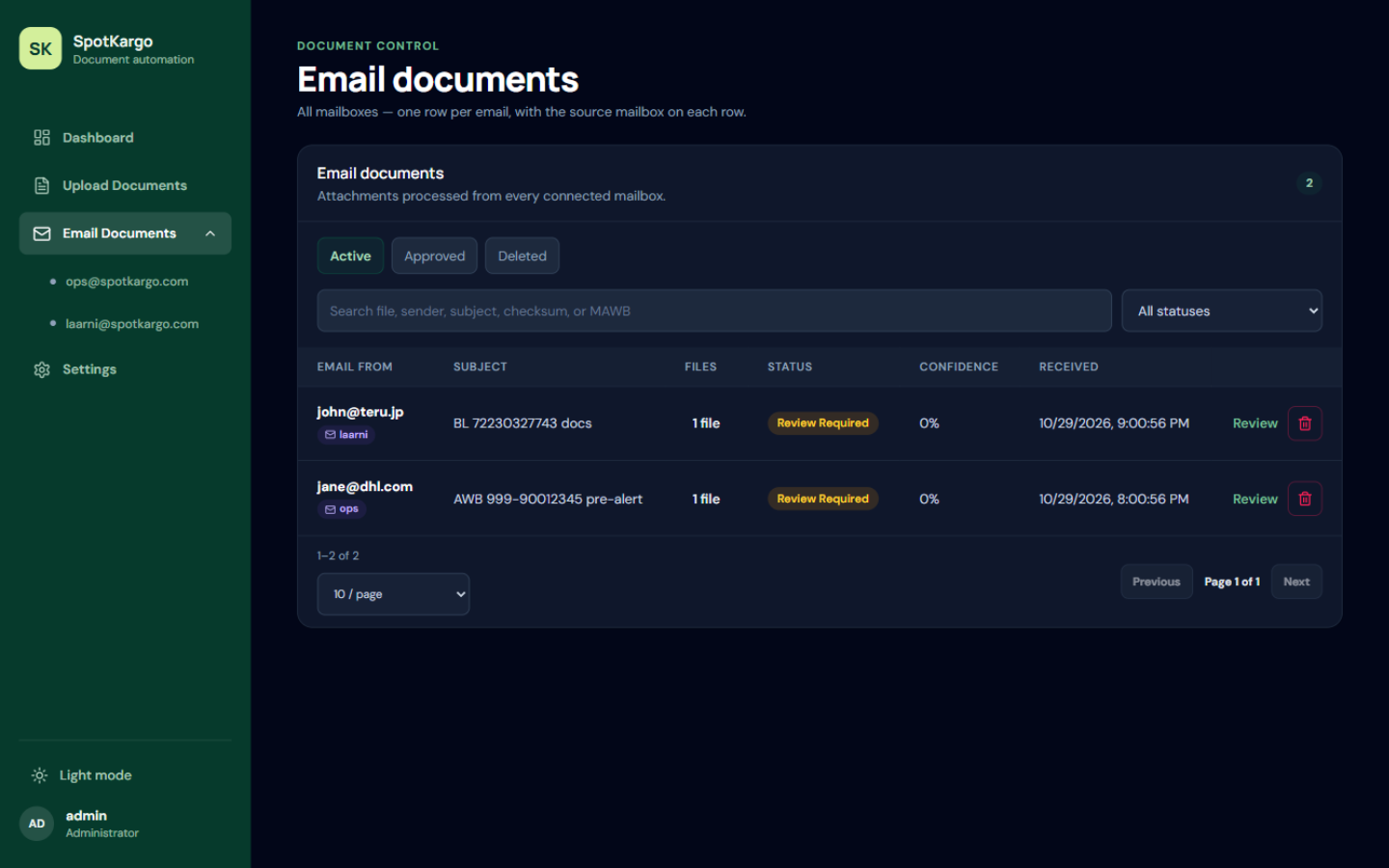 One row per email. The file-count button expands the attachments.
Status badges
| Badge | Meaning |
|---|---|
review required | Extraction finished; a person must check the fields. |
approved | Reviewed and approved for dispatch. |
failed | Processing failed — check the file quality or reprocess. |
Attachment only | The file was kept for reference but is not a shipment document. |
Skipped — no AWB | No air waybill number could be found, so no extraction was attempted. |
Deleting and restoring
The Delete all files button on an email row removes every attachment of that email at once. Deleted documents move to the Deleted tab, where they can be restored.
Polling status
The All mailboxes view has no polling panel — rows from every connected mailbox are merged into one list. To see how a specific mailbox is doing, select it in the left menu under Email Documents:
- The Mailbox check panel shows that SpotKargo is watching that mailbox for attachment emails from the last 7 days, automatically every 60 seconds.
- Check now triggers a poll immediately.
- The Last check line summarises what the poll found — and if the mailbox could not be reached (for example an authorization problem), the error is shown there too, together with the oldest ingested email.
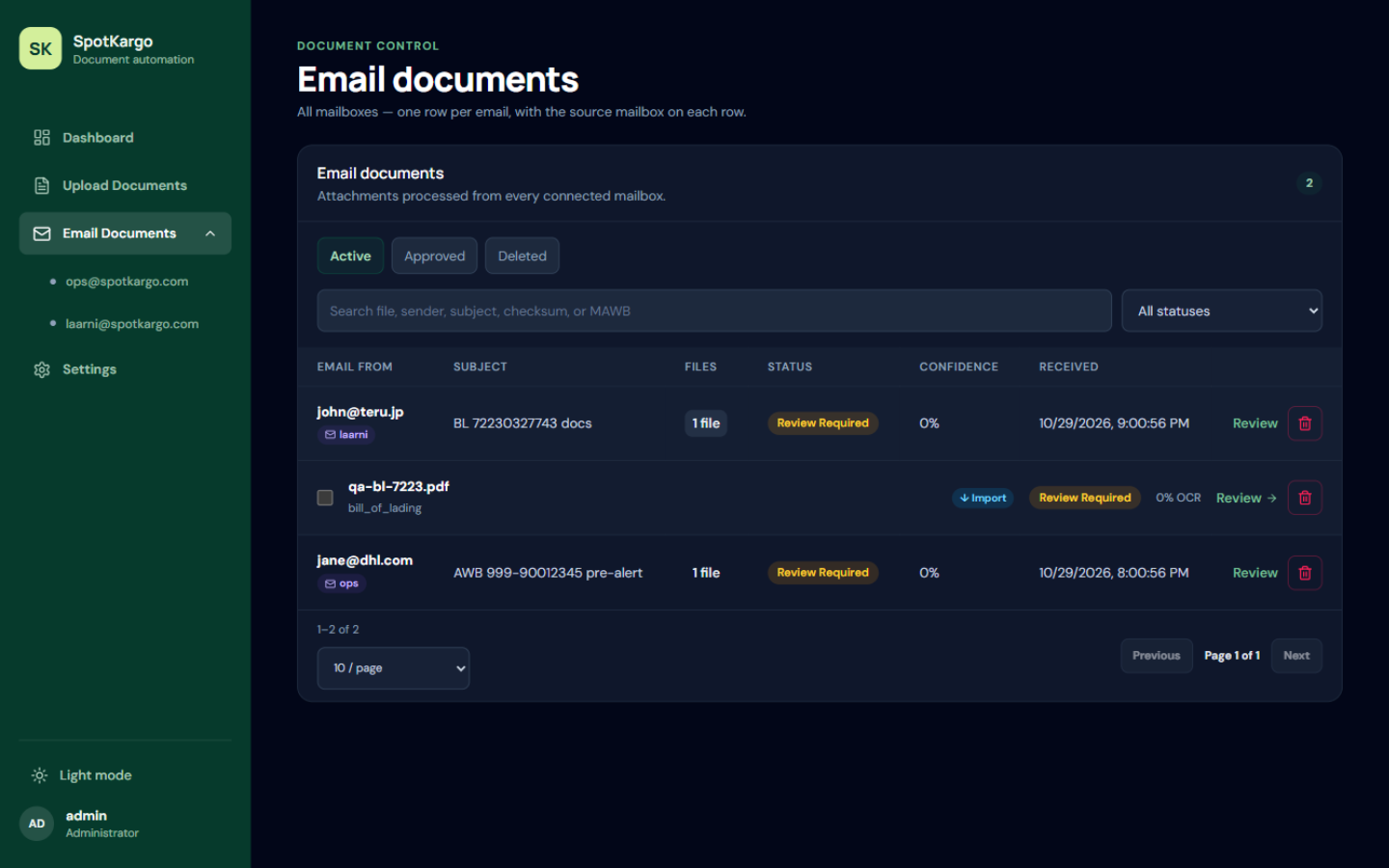 An expanded email row — each attachment has its own status and Review link.
Last updated: 31 October 2026